I Have the File but Can't Select It — TSUMIMI TIME Deduction Blanks
Why a deduction blank in Red Chat Ritual TSUMIMI TIME refuses a file you already own: the file is the wrong one for that blank, the keyword behind it was never fully investigated, or the blank belongs to a different chapter.
Last updated:
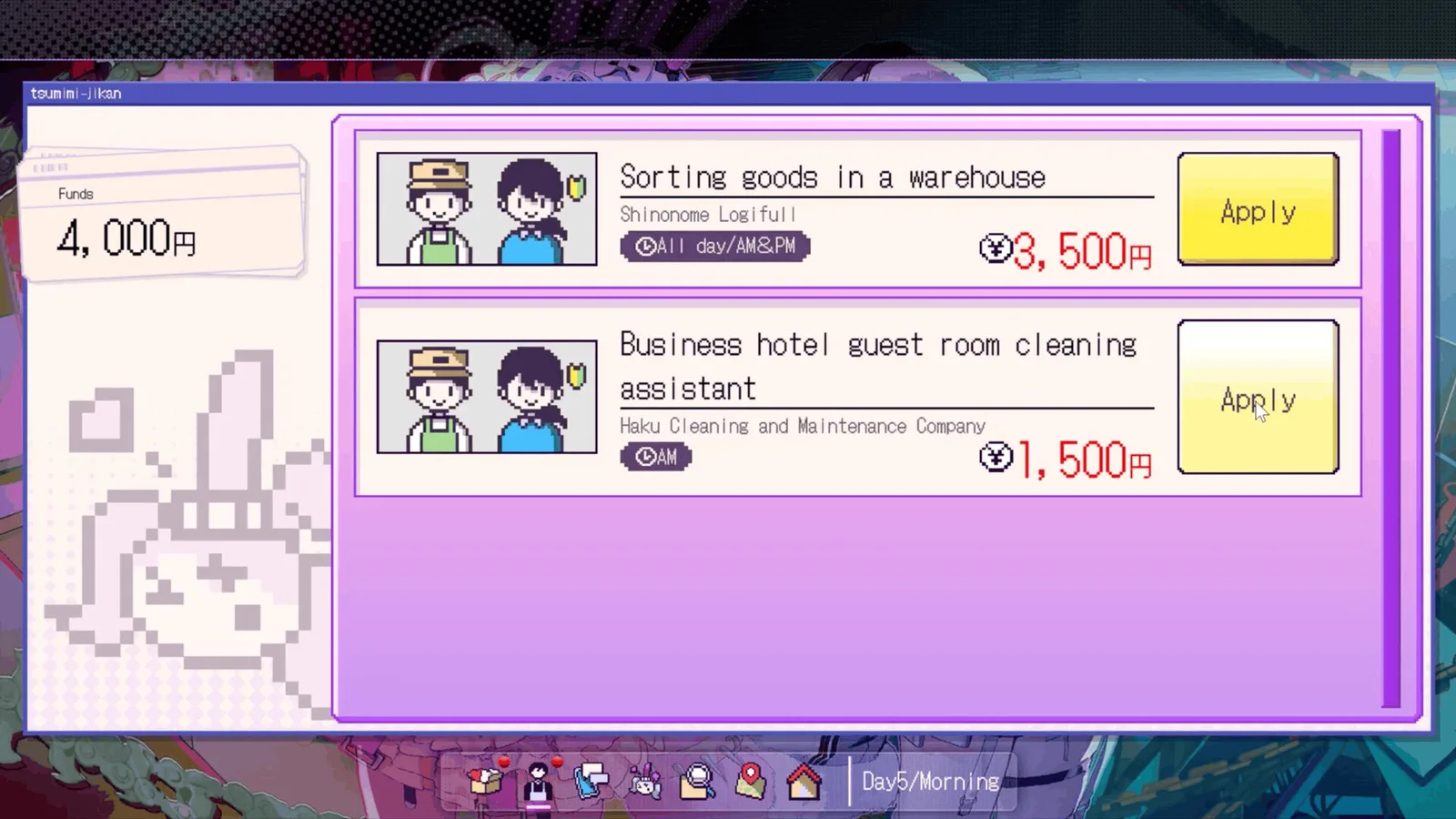
This is the single largest blocker in the game, and it is the direct cause of the most common ending: End 8, INFERENCE FAILED, at 55.0% of players. More than half of everyone who finishes lands on the failure branch, and the usual reason is not a wrong guess — it is a blank that had no matching file in the archive.
Source note: Blank behaviour and file ownership were checked on Version 1.0.1. The ending name and rate come from Steam's public achievement API and are stored in this repository. Claims about specific blank-to-file mappings we could not confirm are marked Unverified and kept on the open questions page instead of being presented as fact.
Short answer
Two things are being confused. A keyword is something you saw on stream. An investigation file is what you get after actively searching that keyword and reading the reply thread behind it. The deduction blank only accepts files. If you have "the file" and the blank will not take it, you almost certainly have the keyword and not the file — or you have a file that belongs to a different blank.
Check these in order
| # | Symptom | Most likely cause | How to verify | Fix |
|---|---|---|---|---|
| 1 | The item is listed but greyed out in the blank | It is a keyword, not a file | Open the archive: files have a body of text, keywords are one line | Search the keyword on SNS, map, or a fan board until a file appears |
| 2 | A file exists, the blank refuses it | Wrong blank — files are owned per slot | Read the blank's context sentence and check the file's subject | Use the file on its own slot; not every file fills every blank |
| 3 | The file exists and matches, still refused | The reply thread was never opened | Open the file and check whether it ends mid-investigation | Re-enter the source and read the replies, not just the top post |
| 4 | No file was created at all | The search was done in the wrong place | Check whether the keyword names a location or a person | Search the right surface — SNS for people, map for places |
| 5 | Everything checks out, blank still empty | It belongs to a later chapter | Compare the blank's chapter marker with your day | Do not force it; continue and return at the chapter gate |
Row 3 is the one that wastes the most time, because the file looks complete. It has a title, a date and a paragraph of text. What it does not have is the detail that lives in a reply, and the blank is scored on the detail.
Why "read the replies" is not generic advice
Every guide says this and almost nobody explains it, which is why it reads as filler. The mechanical reason is that the investigation file is assembled from multiple surfaces:
| Surface | What it usually gives you | What it usually hides |
|---|---|---|
| SNS post | The headline claim | The correction, posted as a reply |
| Map location | Where something is | What was found there, in the description |
| Fan-site board | Community interpretation | The original source, quoted in a reply |
A file built only from the top layer of each surface will have the right subject and the wrong detail. That is exactly the state in which a blank refuses a file you are certain about.
Fast way to test it: open the file and re-read its last paragraph. If it ends on a question or an unverified claim, the thread behind it is unfinished. Files assembled from all three layers end on a statement rather than a question.
Diagnosing by which layer is missing
A file needs three layers, and where the blank stops tells you which one is absent. This is the fastest read of the problem, because each symptom maps to one likely cause.
| Missing layer | What the blank does | What the archive shows | The fix | Confidence |
|---|---|---|---|---|
| Subject | Does not list the file at all | The keyword is there, the file is not | Search the keyword; nothing has been assembled yet | Confirmed |
| Detail | Lists the file, refuses it | Title, date, one short paragraph | Re-read the reply thread behind the result | Confirmed |
| Source | Lists it and accepts it, but the run still drifts | A full-looking file, no clear origin | Rebuild it on the correct surface for that noun | Unverified |
| None — it is the chapter | Lists it, refuses it, and the context sentence reads oddly | A complete file that fits a different blank | Stop; the blank belongs to a later chapter | Observed |
The third row is the one we cannot vouch for. It is a reasonable inference from the fact that the file format records a source at all, but we never isolated a run where a sourced file was accepted and still failed — so treat it as a hypothesis, not a fix. It is listed here because a reader who arrives at it independently should find it labelled rather than either missing or asserted.
The fourth row is the common misread. A blank whose context sentence does not match anything you own is not broken; it belongs to a chapter you have not reached, and forcing it is the one action that turns a recoverable run into a wasted one.
What a wrong final deduction actually costs
The failure branch is not a game-over screen. End 8 is a full ending with its own official description — "the ending with growing regret" — and 55.0% of players have it. If you have already reached it, you have not lost the run, you have finished it on the branch the game expects most people to reach.
Getting off that branch is a matter of the final chapter rather than the whole run. The all endings page sets out the nine official labels and their rates, and the walkthrough covers which days carry the files that matter at the gate.
If none of that worked
Check the version. 1.0.1 added Ctrl fast-forward. Fast-forwarding through a stream can mean skipping the moment a keyword is highlighted, which produces a file that was never created — indistinguishable from a bug. If you have been holding Ctrl, stop holding it during scenes you have not seen before.
Check whether you are in the right chapter. Blank contexts are written for a specific chapter, and files from a previous chapter will not satisfy them. The beginner guide explains the chapter structure without spoiling the ending mapping.
Report it, with specifics. If the file has all three layers, matches the blank's subject, and is still refused, that is worth reporting — but a report saying "the file does not work" cannot be acted on. Say which file, which blank, which day. The community section covers where that report gets read.
Related
- Keyword not registering — when the file never gets created at all
- 15-day walkthrough — which day each blank appears
- All 9 endings — what the deduction result decides
- Open questions — the blank-to-ending mapping we could not confirm
Why can't I select my file in the deduction?
Most often because it is a keyword rather than an investigation file, or because it belongs to a different blank. Check that it has a full body of text and that its subject matches the blank's context sentence.
How do I know if something is a keyword or a file?
Keywords are one-line items that appear after a stream; files have a title, a date and paragraphs, and they live in the archive rather than the live view.
Do I need every file to get a good ending?
Not every file, but the ones behind the blanks in that chapter. Missing one is the usual reason a run ends on the inference-failed branch at 55.0%.
Can I go back and get a missed file?
Within the same chapter, usually yes — the surfaces stay available until the chapter gate. After the gate, no: the blank is scored when you pass it.
Is this the same bug as the keyword not registering?
They look similar and are different. This page is about a file you have; the other is about a file that was never created. Start with the keyword page if nothing appeared in the archive.
Related Guides
Demo Save Won't Carry Over to the Full Game — TSUMIMI TIME
The TSUMIMI TIME demo is a separate Steam app (AppID 4793590) with its own save location, so there is no import path into the full game. Here is where each build stores its data and why copying files fails.
I Sent a Gift and Nothing Happened — TSUMIMI TIME Gift Timing
Why a gift in Red Chat Ritual TSUMIMI TIME does nothing: it arrived after that night's stream, the wish-list item is not one of the two timed gifts, or the scene it unlocks sits on a later day.
Keyword Won't Become an Investigation File — TSUMIMI TIME
A keyword in Red Chat Ritual TSUMIMI TIME only becomes an investigation file after it is actively searched and the reply thread is read. Here is the five-step check when nothing appears in the archive.
Open Questions — What We Still Can't Confirm About TSUMIMI TIME
Seven things we could not confirm about Red Chat Ritual TSUMIMI TIME, each with what we tried, the best current answer and a confidence rating. Written down instead of guessed at.
Red Chat Ritual TSUMIMI TIME Gameplay Guide: Stream Interventions, Chapters, and Ending Solutions
Red Chat Ritual TSUMIMI TIME gameplay explained: the daytime investigation loop, night livestream choices, Mega Chat spending and how endings branch.
Red Chat Ritual TSUMIMI TIME Guide: Endings, Chapters, and Walkthrough Rules
A Red Chat Ritual TSUMIMI TIME guide for your first run: the three chapters, the Day 4 and Day 6 gift deadlines, and how deduction answers lock endings.