Demo Save Won't Carry Over to the Full Game — TSUMIMI TIME
The TSUMIMI TIME demo is a separate Steam app (AppID 4793590) with its own save location, so there is no import path into the full game. Here is where each build stores its data and why copying files fails.
Last updated:
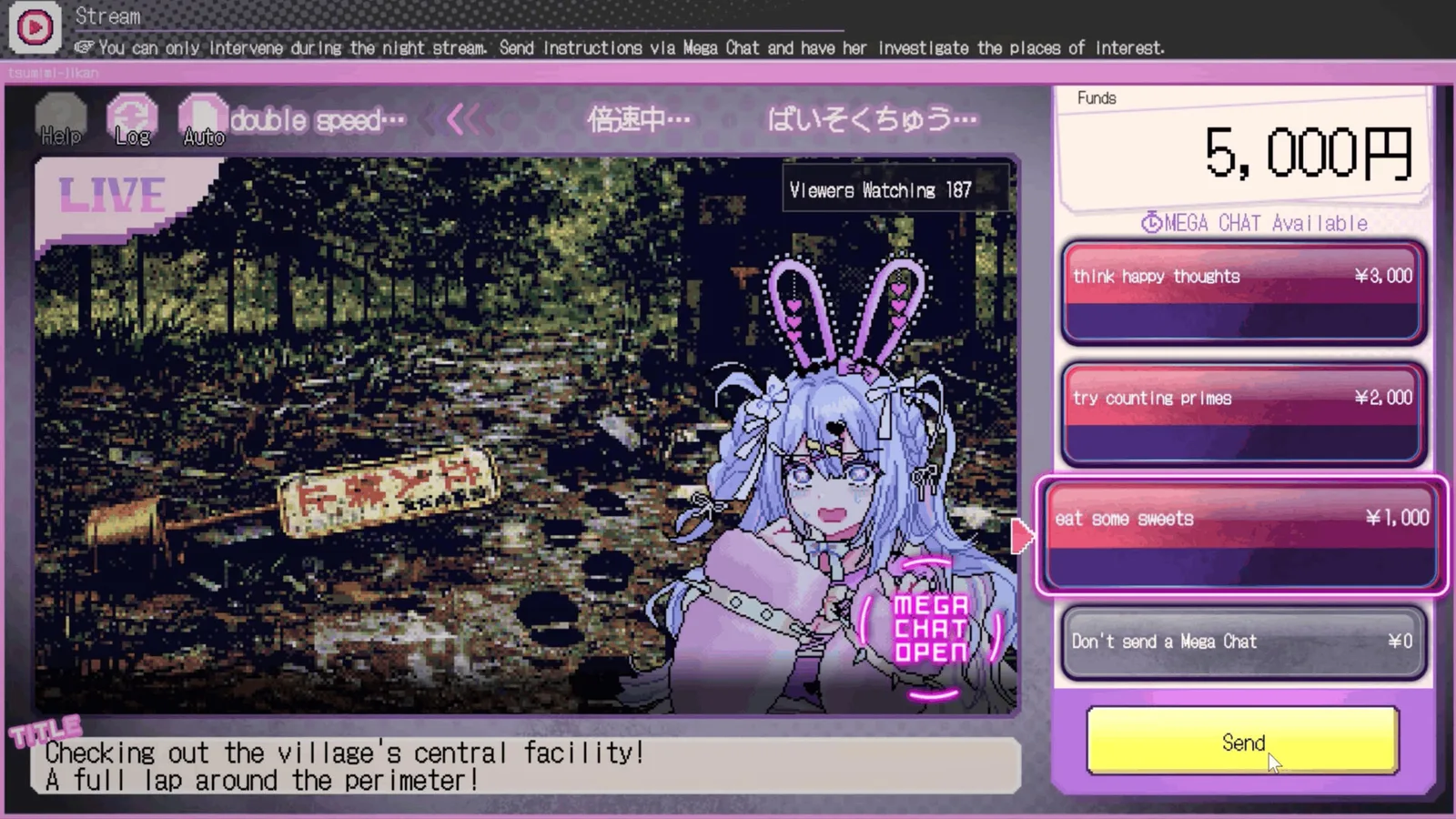
Nothing carried over because nothing was ever meant to. The demo is a separate Steam application, released in June 2026, with its own app ID, its own install directory and its own save location. There is no import button, no cloud migration, and no hidden flag — copying files between the two directories does not work either.
Source note: The separate AppID (4793590) and the absence of any transfer feature come from the Steam store listings and the developer's FAQ. File layout below reflects what we observed on Windows in Version 1.0.1; exact folder names can differ by install path.
Short answer
You did not lose anything — the two builds never shared storage. The demo's progress lives under a save folder named for its own app ID, and the full game reads a different one. Starting the retail build is a fresh run by design, not a failure state.
Check these in order
| # | Symptom | Most likely cause | How to verify | Fix |
|---|---|---|---|---|
| 1 | New purchase starts from Day 1 | Expected — no transfer exists | Nothing to check; this is documented behaviour | Start the run you actually want |
| 2 | Demo progress vanished after installing the full game | Two separate save folders | Look for two directories, one per app ID | Your demo save is still there if you relaunch the demo |
| 3 | Copied files into the retail folder, game ignores them | Save format is app-scoped | The retail build may not even read the folder | Do not copy files between builds |
| 4 | Steam Cloud shows no save for the retail build | Cloud sync is per app | Check the retail app's own cloud entry, not the demo's | Expected; the demo's cloud save is separate |
| 5 | Demo is gone from your library | It may have been removed from the store | Search the demo's AppID directly | The availability page tracks both listings |
Row 3 is worth spelling out because it looks like it should work and does not. A save is not a portable document here; it is a set of values the running build expects to own. Files copied in from another app ID are either ignored or make the retail build fail to load a profile, which is why the common advice to "just move the folder" produces a second, worse problem.
Where each build keeps its data
| Build | App | What it owns |
|---|---|---|
| Demo | 4793590 | Its own install folder, its own save folder, its own cloud entry |
| Full game | 4413070 | A separate install folder, separate save folder, separate cloud entry |
| Achievements | Full game only | The demo has no achievements on the main app's list |
The practical consequence: uninstalling the demo does not touch your retail save, and uninstalling the retail build does not remove the demo's data. They are as independent as two different games, because at the Steam level that is what they are.
If you want to keep your demo run, do not delete the demo. Launching it again will still find its own save, even after months. It is also the cheapest way to check whether the 1.0.1 economy change actually matters to you — the demo keeps the old, tighter balance.
What carries over, and what does not
Everything is scoped to the app, not to your Steam account. That single rule explains all five rows below, and it is why "I own it, so my progress should follow" does not apply here.
| What | Demo (4793590) | Full game (4413070) | Carries over |
|---|---|---|---|
| Save progress | Own save folder | Own save folder | No — Confirmed |
| Achievements | None awarded | All sixteen | No — Confirmed |
| Playtime total | Counted on the demo app | Counted on the retail app | No — Confirmed |
| Steam Cloud | Its own cloud entry | Its own cloud entry | No — Confirmed |
| Store-page reviews | Demo has its own page | Separate review pool | No — Confirmed |
The fourth row catches people who check Cloud and conclude their save is lost. Cloud sync is per app: the retail build's cloud entry exists from the moment you launch it, and it is empty because you have not played that app yet. It is not a failed sync of the demo's data — the two were never connected.
Why the demo is separate at all
A demo that ships as its own app can be updated independently and can carry its own store page, which is what happened here: the free build went live in June, four months before release, and it has never been patched to match the retail economy.
That has one upside and one downside. The upside is that the demo is a stable snapshot of how the game looked before launch. The downside is that its balance is now out of date: version 1.0.1 raised starting funds, so the money pressure you feel in the demo is tighter than what you will face after buying. The release hub has the dated changelog.
If none of that worked
You cannot find the demo at all. Search by AppID rather than by name — region and language can change how the title renders. The availability page records the dated status of both listings.
The retail build will not launch at all. That is a different problem: it is about requirements or a corrupt install rather than saves. The release hub lists the requirement tier, and the demo is the cheapest compatibility test if you still have it installed.
You expected the demo to count toward achievements. It does not. The sixteen achievements in the achievement table are all on the retail app, and demo playtime does not move those rates.
Related
- Demo hub — what the free build contains and what it hides
- Demo English page — language coverage in the demo
- Achievement rates — the sixteen achievements, with live rates
- Troubleshooting index — the other four symptoms
Does demo progress carry over to the full game?
No. The demo is a separate Steam app with its own save location, and there is no import path of any kind.
Can I copy my save files across manually?
You can copy them, but the retail build will not use a save created by a different app ID. The result ranges from ignored files to a profile that fails to load.
Is the demo still available?
Yes at the time of our last check, and it is permanently free. The dated status of both listings is on the availability page.
Why is the demo's economy harder than the full game?
Because the demo was built before version 1.0.1, which raised starting funds. The demo was never patched to match.
Do demo hours count toward Steam playtime or achievements?
Playtime is tracked per app, so it does not appear on the retail game's page, and no achievements are awarded by the demo.
Related Guides
I Have the File but Can't Select It — TSUMIMI TIME Deduction Blanks
Why a deduction blank in Red Chat Ritual TSUMIMI TIME refuses a file you already own: the file is the wrong one for that blank, the keyword behind it was never fully investigated, or the blank belongs to a different chapter.
I Sent a Gift and Nothing Happened — TSUMIMI TIME Gift Timing
Why a gift in Red Chat Ritual TSUMIMI TIME does nothing: it arrived after that night's stream, the wish-list item is not one of the two timed gifts, or the scene it unlocks sits on a later day.
Keyword Won't Become an Investigation File — TSUMIMI TIME
A keyword in Red Chat Ritual TSUMIMI TIME only becomes an investigation file after it is actively searched and the reply thread is read. Here is the five-step check when nothing appears in the archive.
Open Questions — What We Still Can't Confirm About TSUMIMI TIME
Seven things we could not confirm about Red Chat Ritual TSUMIMI TIME, each with what we tried, the best current answer and a confidence rating. Written down instead of guessed at.
Red Chat Ritual TSUMIMI TIME Gameplay Guide: Stream Interventions, Chapters, and Ending Solutions
Red Chat Ritual TSUMIMI TIME gameplay explained: the daytime investigation loop, night livestream choices, Mega Chat spending and how endings branch.
Red Chat Ritual TSUMIMI TIME Guide: Endings, Chapters, and Walkthrough Rules
A Red Chat Ritual TSUMIMI TIME guide for your first run: the three chapters, the Day 4 and Day 6 gift deadlines, and how deduction answers lock endings.